How high-profile individuals are now being targeted through their calendars
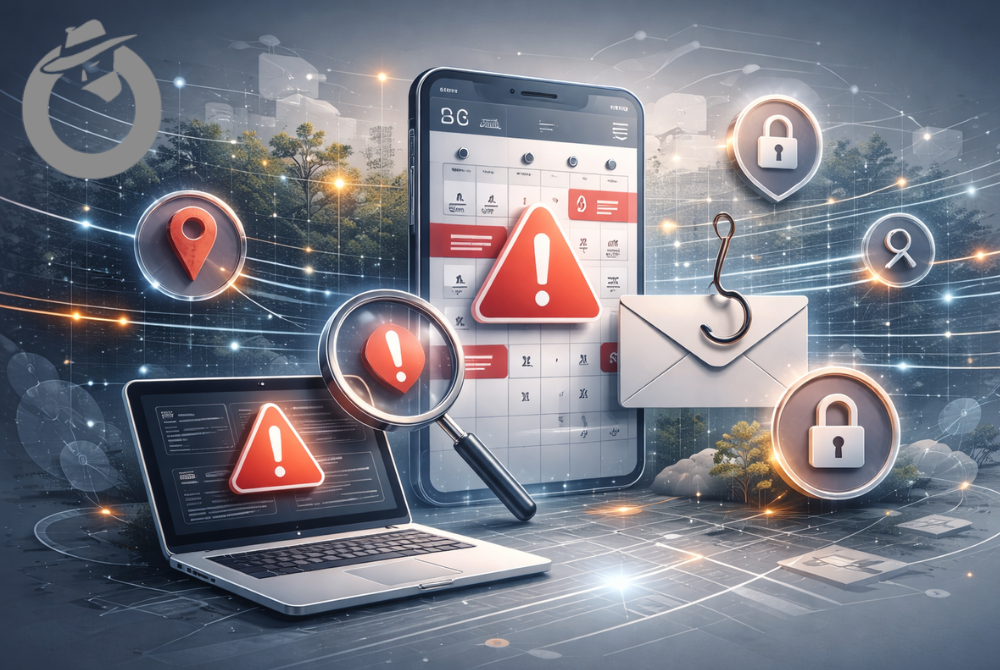
Your calendar is no longer just a scheduling tool. It is now a threat surface.
If you are receiving fake calendar invites, unexplained meeting requests, or suspicious “Join” links, this is not random spam. It is a deliberate tactic.
Attackers have learned something simple. People trust their calendars more than their inboxes.

Calendar Threats by the Numbers
- 4,000+ spoofed invites in 4 weeks
- 300+ organizations targeted
- 4M devices exposed via abandoned calendar feeds
- 59–68% SEG bypass rate for malicious ICS files

Email phishing is filtered. Expected. Distrusted. Calendar invites are operational. Legitimate. Urgent.
For high-profile individuals, that trust is exploitable.
Calendar attacks are not a nuisance.
They exploit a structural blind spot in modern security stacks.

If This Is Happening, Your Calendar May Be Under Attack
Many people do not realize they are already being targeted.
Common warning signs include:
- Calendar invites you do not remember accepting
- Meetings marked “tentative” that appeared automatically
- Join links that redirect or feel wrong
- A sudden spike in booking requests
- Events tied to calendars you subscribed to long ago
- Meeting titles designed to provoke urgency or fear
Examples include:
- “Urgent Legal Matter”
- “Confidential Briefing”
- “Disciplinary Review”
- “Follow-Up From Last Meeting”
These are not accidents.
They are designed to trigger action.
Executive Red Flags: When a Calendar Issue Is a Security Issue
If any of the following are true, treat your calendar as compromised until proven otherwise:
- Meetings appear that you do not remember accepting
- Events are marked “tentative” without your action
- Join links redirect or differ from expected domains
- Invitations arrive from people you know, but feel off
- Calendar subscriptions you forgot about are still active
- Meeting titles create urgency, fear, or authority pressure
- Time zones or meeting times change unexpectedly
- Your assistant is receiving unusual scheduling requests
- AI summaries or automations behave strangely
- Booking links are suddenly abused or flooded
These are not glitches.
They are common indicators of calendar manipulation.
For high-profile individuals, delay increases exposure.

Why Attackers Are Moving to Calendar Exploits
Inbox defenses have improved.
Calendar defenses have not.
Most calendar platforms still treat invites as low risk. Many automatically process them. Some add them to your schedule without explicit approval.
This gives attackers three key advantages:
- Higher trust than email
- Delayed execution, sometimes days or weeks later
- Deep integration with devices, assistants, and apps
A single malicious calendar invite can:
- Redirect you to a fake login page
- Trigger pop-ups or forced sync loops
- Insert links that change after delivery
- Abuse AI assistants that summarize or act on calendar data
This works best against people who move fast and rely on their calendars heavily.
How Calendar Exploits Sneak Through
Calendar attacks do not succeed because defenses are weak.
They succeed because calendars sit outside the security model.
Most protections are designed for email, files, and network traffic.
Calendar invites are treated as operational data.
That creates several blind spots.
They Bypass Email Security by Design
Calendar invites are processed automatically by trusted platforms. They often pass DKIM, SPF, and DMARC checks because they are legitimate calendar traffic.
ics files can be weaponized to include malicious URIs, base64-encoded payloads, and scripts that execute upon rendering or interaction. Because these files are standard text-based protocols (RFC 5545), they frequently pass through filters that would otherwise quarantine executables or macro-enabled documents
The malicious content lives inside the event, not the email.
They Rarely Contain Malware
Most calendar attacks redirect, manipulate workflow, or harvest credentials. From an endpoint perspective, nothing malicious happened. A user joined a meeting.
They Execute Later
Calendar attacks trigger hours or days after delivery, when reminders fire. By then, the original delivery path is gone. Security tools are no longer watching.
They Exploit Trust in Automation
Calendars sync across devices, assistants, and apps automatically. AI systems ingest calendar data without verification. Automation amplifies whatever the calendar contains.
They Fall Between Teams
Calendar risk is not clearly owned by IT, security, or executive protection. That gap is structural. Attackers exploit it deliberately.

Calendar Attacks Are Not Theoretical
This is not speculation. These attacks are documented and increasing.
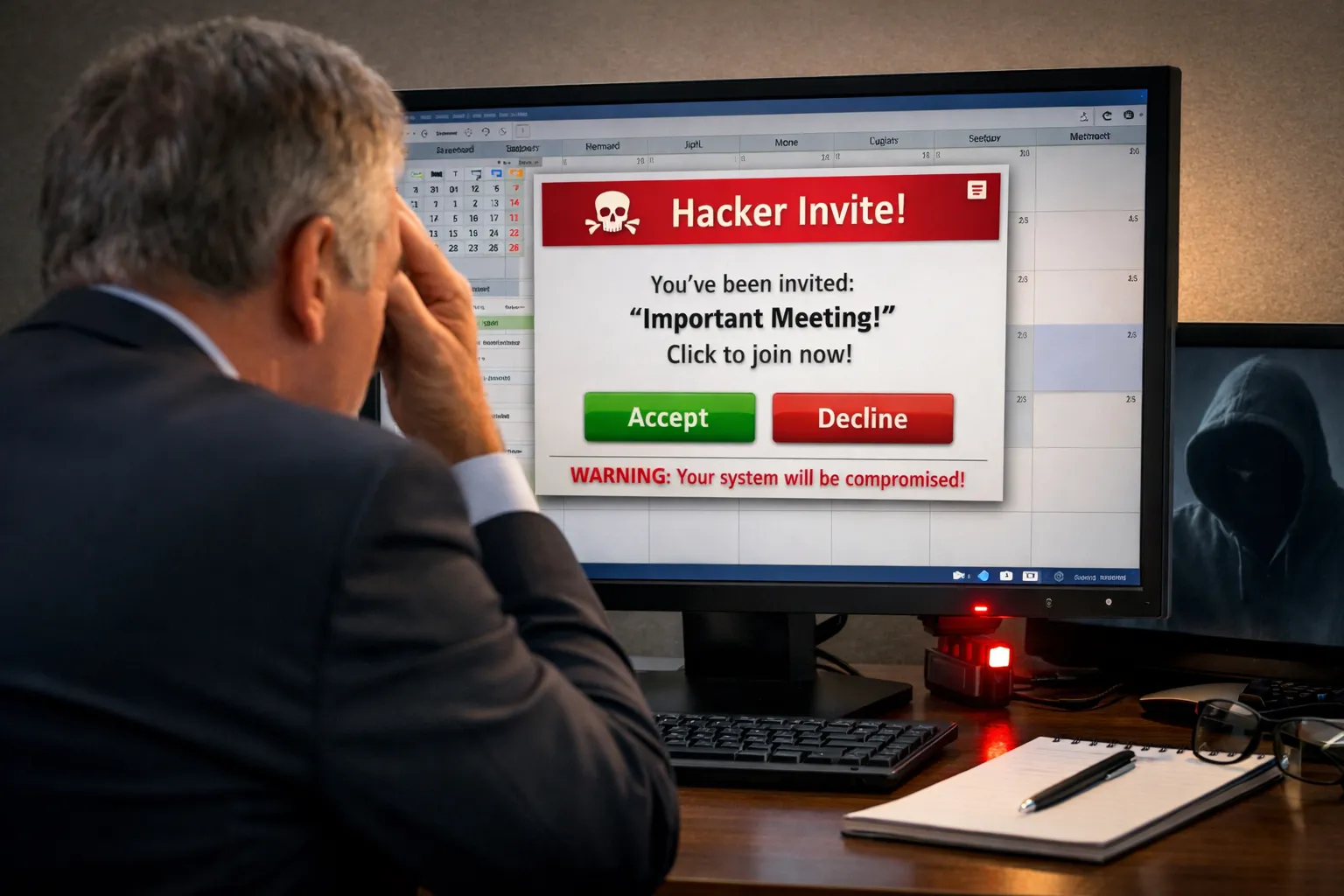
Mass Google Calendar Spoofing Campaign (2024)
Attackers sent more than 4,000 malicious calendar invites to over 300 organizations in a four-week period. The invites appeared to be sent by legitimate individuals through Google Calendar and passed DKIM, SPF, and DMARC checks. Because the malicious content lived inside the calendar invite, many email security tools never flagged it. Victims simply saw meetings appear on their calendars.
APT41 Calendar-Based Malware Delivery
Chinese state-sponsored actors associated with APT41 weaponized Google Calendar as a command-and-control channel, hiding encrypted instructions and data inside calendar events. Blocking this traffic was operationally impossible because it blended into legitimate calendar usage.
AI Prompt Injection Through Calendar Events (2025)
Researchers demonstrated that malicious instructions embedded inside the DESCRIPTION field of a calendar event could be ingested by AI assistants such as Microsoft Copilot or Google Gemini. When users later asked questions like “Summarize my day,” the AI processed the poisoned calendar entry and executed hidden instructions. In some cases, this resulted in deleted events or disclosure of sensitive information. No click required.
Calendar Subscription Takeovers
Security researchers identified hundreds of abandoned domains still actively pushing calendar updates through iCalendar subscriptions. By acquiring expired domains, attackers injected malicious events directly into millions of subscribed calendars.
Once subscribed, the calendar trusted the feed indefinitely.
This is a structural blind spot.
390 abandoned calendar domains
~4 million Apple devices syncing with them daily

Why High-Profile Individuals Are Targeted
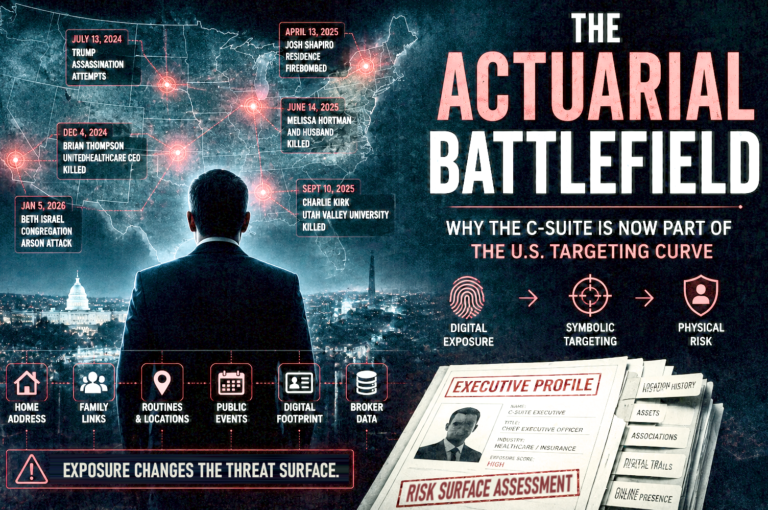
Executives, founders, public figures, and principals offer leverage.
Your calendar reveals:
- Where you will be
- When you will be there
- Who you will meet
- How predictable your routines are
It also exposes others. Assistants. Colleagues. Board members. Family. Even if your calendar is locked down, your meetings still live on other people’s calendars. One weak link is enough.
This is not a productivity issue.
It is an access and exposure issue.
How Fake Calendar Invites Actually Work
Most calendar attacks rely on trust and automation, not malware. Nearly all calendar systems use the ICS (iCalendar) format, a plain-text structure designed for compatibility, not security. Attackers abuse this by manipulating:
- DESCRIPTION fields containing embedded URLs or hidden instructions
- LOCATION fields that appear benign but redirect elsewhere
- ATTACH properties that embed or reference external payloads
- ORGANIZER and ATTENDEE fields that spoof trusted identities
Security researchers have shown that base64-encoded attachments and malicious URIs inside ICS files can execute or exfiltrate data without triggering traditional antivirus tools. Many gateways still treat .ics files as harmless text. They are not.
Three Common Techniques
Invite Spoofing
Invites appear to come from trusted individuals or organizations. Because they are processed by legitimate calendar platforms, they often bypass email security entirely.
Subscription Hijacking
Public calendar subscriptions persist for years. If a domain expires or is compromised, attackers can push events directly into your calendar. No invite. No approval.
Booking Link Abuse
Public scheduling links provide a direct input channel. Attackers flood calendars, insert malicious links, or create operational chaos through overbooking.
Why These Attacks Are Hard to Spot
Calendar attacks feel operational.
They:
- Sit quietly on your schedule
- Trigger later, not immediately
- Feel familiar when reminders fire
This delayed execution is the advantage. It drives higher engagement than email phishing. Even security-aware individuals fall for it.
What Attackers Are Trying to Get
Not every calendar attack is about money.
Common objectives include:
Credential Theft
Fake join links harvest email, cloud, or single sign-on credentials.
Workflow Disruption
Attackers overload calendars, shift meetings, manipulate time zones, or delete events. Disruption creates opportunity.
Access Expansion
Calendars sync across phones, laptops, assistants, travel apps, and collaboration tools. One compromised event can expose far more than your schedule.
How Calendar Exploits Escalate Into Physical Risk
Calendars describe movement.
They reveal:
- Travel windows
- Office presence
- Home absences
- Routine meeting locations
Over time, this creates a reliable pattern of life.
More advanced attacks move beyond observation.
They:
- Nudge you toward specific locations
- Create false urgency to force travel
- Shift meetings to less secure times or places
No GPS is required. Calendar metadata alone is often enough. For high-profile individuals, this becomes actionable intelligence.
What To Do Immediately If You Suspect a Calendar Exploit
Contain first. Then clean up.
Immediate actions:
- Disable automatic event insertion
- Require manual approval for new invites
- Audit and remove unknown subscriptions
- Inspect recent and upcoming events
- Do not click suspicious links to “check” them
- Separate personal, work, and travel calendars
- Lock down public booking links
- Review all synced devices and apps
- Preserve evidence before deleting events
If attempts are repeated or tailored, assume intent.
What NOT To Do If You Suspect Calendar Manipulation
When something feels off, instinct often makes things worse.
Avoid these common mistakes:
- Do not click meeting links just to “see where they go”
- Do not forward suspicious invites to assistants or colleagues
- Do not delete events before reviewing how they appeared
- Do not assume calendar issues are harmless glitches
- Do not rely on default calendar settings for protection
- Do not trust AI summaries or automations during an incident
- Do not keep public booking links open while investigating
- Do not ignore subtle changes if patterns repeat
Calendar attacks exploit speed, trust, and routine. Slowing down is part of the defense.
High-Risk Calendar Controls for Executives
High-profile calendars require high-friction controls.
Key measures include:
- Shadow calendar monitoring
- Strict calendar segmentation
- Authentication for booking requests
- Calendar firewall rules
- Limited assistant permissions
- Restrictions on AI and automation
- Travel obfuscation
- A defined calendar incident response plan
Control Calendar Subscriptions Explicitly
Calendar subscriptions should require approval, periodic verification, and expiration by default.
Most do not. That is a problem.
Why Traditional Security Tools Miss Calendar Risk
Most security tools were built for email, networks, and endpoints.
Calendars sit outside that model.
They:
- Bypass email filters
- Do not deploy malware
- Look like normal behavior
AI assistants trust calendar data implicitly. Identity tools assume intent. Calendar files live in a gray zone between systems. No one clearly owns the risk. Attackers exploit that gap.
The Bottom Line
Email shows intent.
Social media shows moments.
Calendars show the future.
If you protect your inbox but ignore your calendar, you are defending yesterday’s threat surface.
For high-profile individuals, calendar security is now personal security.
Treat your calendar as an untrusted input stream.
Ignoring it is no longer defensible.